
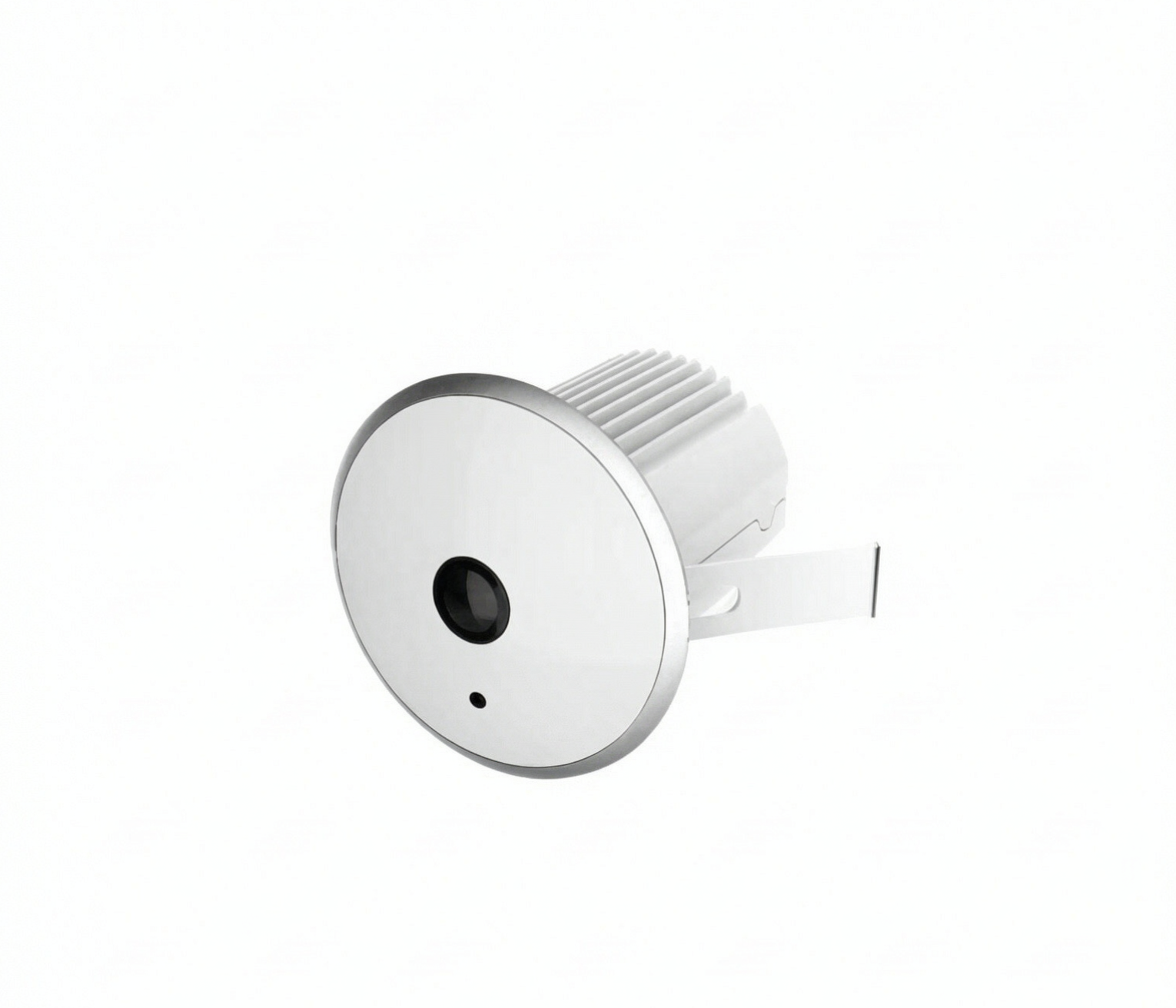
A footfall counter answers one question: how many people came in. The next question a store manager asks is where those people went, and a single number cannot answer it. A zone heatmap is how that answer gets displayed — a floor plan coloured by how much attention each area actually received.
The move from counting to mapping is not a cosmetic upgrade. Once the sales floor exists as a set of zones, layout decisions that used to run on intuition — where to put a promotion, which aisle to shorten, where to add a second till — start having a measurement behind them.
What a heatmap adds to a count
A count is a scalar: 1,240 entries on Saturday. A heatmap is a spatial distribution: the rear corner gets steady traffic, aisle four goes dead after 19:00, the endcap two metres from the entrance holds people for close to two minutes each.
Two stores can post identical footfall and produce completely different heatmaps. That difference is where the operational problems usually hide.
Three layers that all get called "the heatmap"
Coverage or density heatmap. How much time people spent in each part of the floor, rendered as colour over a floor plan. This is the layer that exposes dead zones and over-served zones.
Traffic-flow map. Direction and volume along the paths people take — which entrance they use, which corridor they commit to, where they turn around. Useful for layout, adjacency planning, and finding the point where shoppers abandon a route.
Conversion or outcome overlay. The heatmap joined to a second dataset: transactions, fitting-room entries, assistance calls. This is the least common layer sold and the most valuable one, because it separates attention from buying.
Be specific about which layer a vendor is showing you. "We provide heatmaps" can mean any of the three, and the underlying data quality differs sharply between them.
How the data is actually produced
Every zone heatmap rests on the same four steps:
- Coverage. One or more cameras give a downward view of the floor, either a wide-angle overhead unit or several conventional cameras stitched into a common plan.
- Zone definition. Polygons are drawn over the field of view. Each polygon is a place — an entrance, a display, a checkout run, a fitting area. What gets stored is a position and a timestamp, not an identity.
- Sampling and accumulation. A tracked person's position is sampled at intervals, and the time inside each polygon is accumulated. The raw output is seconds-in-zone per polygon across many visitors.
- Normalisation. That raw figure is divided by something before it becomes colour: by zone floor area, by visitor count, or by the store total. The choice changes what the map says.
That last step is worth asking about directly. If a heatmap is not normalised by area, the largest zone always looks hottest and the smallest always looks cold. If it is not normalised by visitors, a busy Saturday makes every zone look warm. Two vendors can show you the same floor and tell you opposite things because of the denominator.
The conditions that decide whether a map is usable
- Coverage and blind spots. A heatmap is only as complete as the floor the cameras actually see. Pillars, tall shelving, and signage create permanent holes that read as dead zones. Overlap coverage at the edges rather than at the centre of each camera's frame.
- Mounting height and angle. Wide-angle lenses gain coverage and lose detail toward the edge of the frame. Depth-sensing cameras have a working range; below the floor or beyond it, reliability drops toward that of a 2D system. Match the device to the ceiling you actually have.
- Lighting consistency. A doorway backlit by afternoon sun, or a spot-lit display against a dim aisle, will distort any vision-based measurement. Check the map at several times of day before trusting it.
- Zone size versus camera detail. A zone that covers an entire aisle needs far less detail than a zone drawn around a single shelf. Small zones demand more camera detail and a steeper, more overhead view. If you want shelf-level insight, plan for more cameras, not a cleverer dashboard.
- Stationary people. Waiting customers, staff at a counter, and people standing still are the hardest cases for motion-based detection. Overhead depth sensing handles them noticeably better than a pure 2D approach.
Reading five patterns
Most heatmaps resolve into a small set of recurring shapes. Each one usually points at a specific decision.
- Dead zone. Low traffic, low dwell. Either the location is structurally out of the way, or signage and merchandising never gave shoppers a reason to go there. Test with a moved endcap before concluding the corner is unsalvageable.
- Sink zone. High dwell, low sales. People stop, look, and leave. Common causes: unclear pricing, out-of-stock size runs, a display that is pleasant but not persuasive.
- Rush lane. High flow, low dwell. A path people use to get somewhere else. It is a corridor, not a sales area — treat it as circulation and keep promotional clutter out of it.
- Terminal zone. Where visitors reliably end up before exiting. Impulse and last-minute categories belong here; anything requiring consideration usually does not.
- Decompression zone. The first two or three metres inside the entrance, where people slow down, orient themselves, and read the store. It often shows strong heat and weak conversion. Shops that place their highest-margin display against the door are usually fighting this pattern rather than using it.
A routine that keeps the data useful
- Weekly: export the zone ranking, compare it against the previous three weeks, and note any zone that moved more than normal variation.
- Monthly: pick one experiment — one zone, one change, two weeks before and after.
- Quarterly: re-check coverage. Re-shelving, new signage, and seasonal fixtures quietly turn parts of the map into fiction.
- Always: keep the same zone definitions. Changing them mid-comparison is the fastest way to make the whole exercise worthless.
A worked example
A mid-size apparel store runs a heatmap for a month and finds three things.
The corner beside the fitting rooms is bright on the map, because everyone walks past it on the way in and out. But the zone immediately in front of the fitting-room entrance is cold, while the displays two metres away are warm. The interpretation: shoppers are finding the fitting room but stopping before it, probably because the queue area looks congested. Moving the till-side returns rail further from the entrance is a two-week experiment with a measurable outcome — fitting-room entries, not dwell.
The promotional table inside the front doors is the hottest zone in the store and contributes almost nothing to sales. Classic decompression zone. Relocating it to the third aisle, on the natural route to the fitting rooms, tests whether the same display converts better without a captive audience.
Aisle six is dark all week, and so is the sales data for the SKUs on it. Two explanations are possible and the map cannot choose between them: the aisle is structurally out of the way, or the assortment there simply is not wanted. The test is to move one proven product into aisle six and leave everything else unchanged. If the zone warms up, the problem was circulation. If it stays cold, the problem was the location, and the fix is a layout decision rather than a merchandising one.
That is the shape of useful heatmap work: one zone, one hypothesis, one change, one comparison. The map does not answer the question; it tells you which question to ask next.
Limits and privacy
Heatmaps are aggregate by nature, which keeps them on the safer side of retail data practices — no identity, no face database, just counts of position over time. Where the picture changes is retention and sharing: long-term storage of movement data, or any attempt to link a track to a person, moves the system into a different legal category with different obligations. Thailand's PDPA, Singapore's PDPA, Vietnam's Decree 13, Malaysia's PDPA, and Indonesia's PDP Law all treat personal data differently, and the specifics for a given deployment need confirmation from a qualified legal adviser in that jurisdiction rather than a vendor's summary.
There is also a commercial limit worth stating plainly. A heatmap is a diagnostic, not a strategy. It will show you where attention went; it cannot tell you what the right layout is. The map narrows the question to one zone at a time, which is exactly what makes it usable.
FAQ
What is the difference between footfall counting and a zone heatmap? Footfall counting produces one number per entrance per time period. A zone heatmap produces a spatial distribution across the whole sales floor. They usually come from the same camera family, but the heatmap needs continuous coverage of the floor, not just a line at the door.
Do I need one camera per zone? No. A single ceiling-mounted wide-view camera typically covers several zones. What drives camera count is the size and geometry of the space, ceiling height, and the detail you need inside each zone — not the number of zones on the map.
Can a heatmap work in a store with tall shelving? Partly. Tall fixtures block the overhead view, so the aisles between them read as gaps in the map. Coverage still works over aisles and open areas if cameras are positioned above the shelving line; the floor directly beneath tall racks will always be the weakest part of any overhead system.
Does heatmap analytics require facial recognition? No. Zone heatmaps are built from anonymous position tracking — a person becomes a moving point with a timestamp, not an identity. Any system that starts asserting it can recognise returning individuals has moved into a different technology category with different legal exposure.
---
Footfall tells you whether people came; the map tells you what the floor did with them. The product center lists the camera families built for overhead coverage and zone analytics, and the solutions overview shows how heatmaps fit retail, mall, and public-building deployments. For the broader set of traffic metrics these zones feed into, see the blog.