
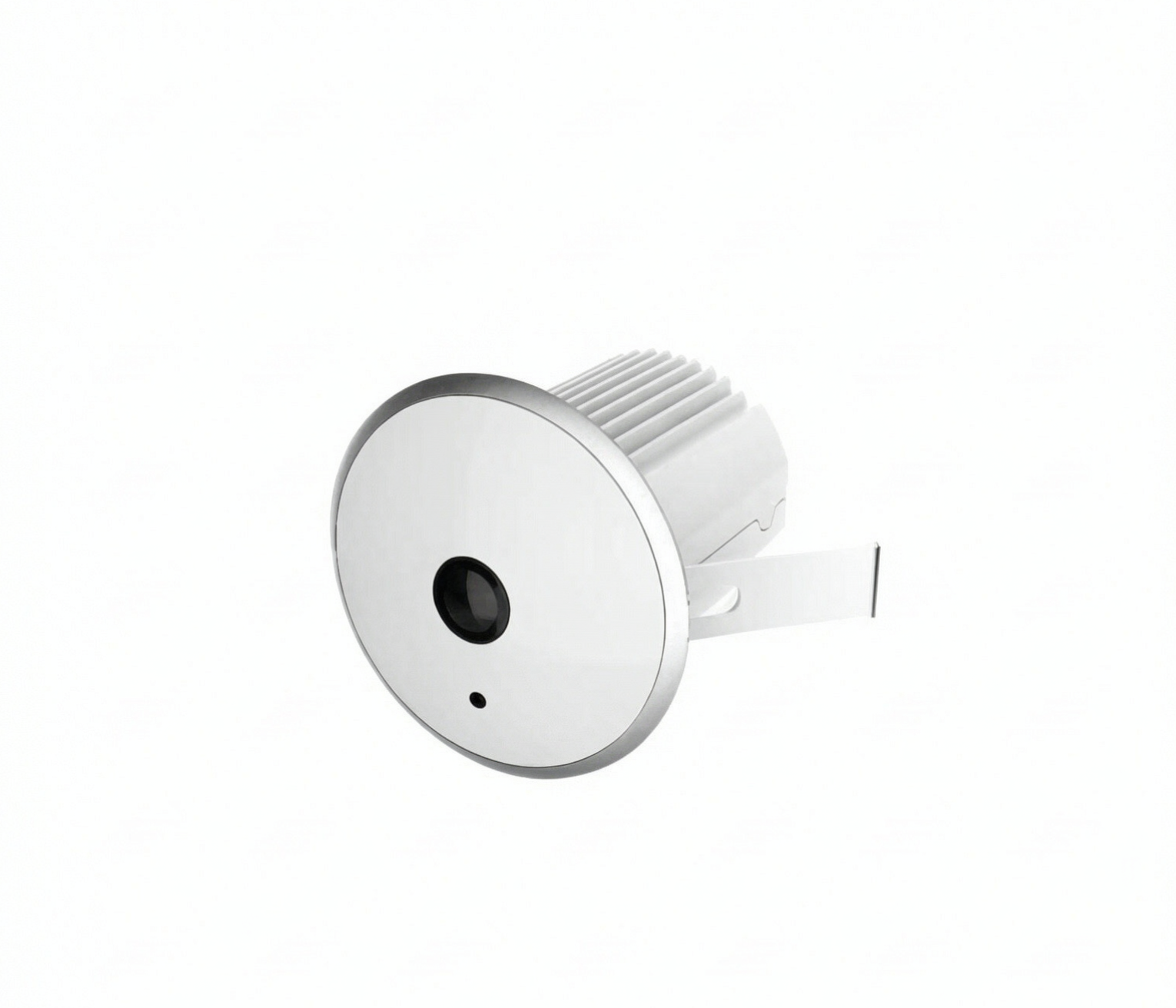
Walk into an open-plan store and look up. If there is a single dome in the middle of the ceiling with nothing else around it, you are probably looking at a fisheye panoramic camera — one device asked to cover the whole sales floor instead of five or six fixed cameras each covering a slice of it. That single choice changes what the footage looks like, what analytics can read from it, and how a store plans coverage.
What a fisheye camera actually is
A fisheye camera uses an ultra-wide lens, commonly well past 180 degrees of horizontal field of view, so one image sensor can see almost an entire hemisphere. Mounted overhead and aimed straight down, one camera captures the full floor beneath it: aisles, fixtures, the checkout area, and the door line, all in one image and one recording.
That is the difference from a conventional fixed camera, which covers a narrow cone. Several fixed cameras give a wall of separate images with seams between them; a fisheye gives one continuous image, at the cost of distortion that must be corrected before use.
Ceiling-mounted and aimed down is the standard retail installation for floor coverage, occupancy, and zone analytics; wall- or corner-mounted variants look outward where a ceiling point is unavailable or where the interest is a corridor or a doorway cluster.
Why the image arrives as a circle
A wide-angle lens has to squeeze a very large angle of light onto a small flat sensor, bending the image progressively harder toward the edges. Straight lines curve, and the useful picture is bounded by a circular frame with dark corners.
Engineers describe this with a projection model: how a real angle in the world maps to a distance on the sensor. A fisheye projection is deliberately non-rectilinear — fitting an entire room into one frame means image distances are not proportional to distances on the floor.
For raw evidence footage this is acceptable. For analytics it is a problem: a counting or dwell system has to know where the floor is, and a distorted frame makes that ambiguous. Hence dewarping.
Dewarping, and the four views you actually use
Dewarping is the software step that maps the circular fisheye image onto normal rectangular views. It is a mathematical transformation, not an enhancement — it re-projects the pixels so that the floor reads as a floor. Because the camera outputs corrected views rather than only the circle, one physical device can serve several jobs at once.
- Panorama. The full circle unwrapped into a wide horizontal strip — a letterbox view of the whole floor, useful for at-a-glance review of who was where.
- Quad or 360 view. The circle broken into several corrected panels, each covering a quadrant and displayed together. This is the closest thing to replacing four fixed cameras, and the usual working view on an operator's screen.
- PTZ-style digital view. A corrected viewport that can be steered and zoomed with no moving parts, because the detail already exists inside the captured frame. Digital steering re-frames; it does not add resolution.
- Corridor mode. A narrow, tall layout for long thin spaces such as aisles, back-of-house passages, and entrance vestibules, where the geometry does not match a circle.
Most deployments end up using two or three of these on the same camera: quad for live monitoring, panorama for review, corridor mode for an awkward space — with analytics reading the corrected stream rather than the raw circle.
Where one panoramic view beats several fixed cameras
- Open-plan stores. A central device covers a whole sales floor with no blind spots between camera positions and no overlapping coverage of the same aisle.
- Mall common areas and atria. Wide, irregular spaces where the number of fixed cameras needed to close every gap grows quickly, and where ceilings are high.
- Aisles with several junction points. Shoppers enter and leave from multiple directions; one overhead view sees all of them in a single frame, which is what a zone heatmap needs.
- Checkout and service counters. Counter, queue, and approach lane usually fall inside one corrected view, so queue measurement and counter staffing rest on one device rather than three.
- Warehouses and back-of-house. Large rectangular spaces with shelving blocks, where the interest is movement through zones rather than identifying faces.
The practical argument is usually cost of ownership rather than image quality: one device, one cable run, one recording channel, one analytics licence, one point of maintenance.
Where it does not fit
- Long narrow corridors. A fisheye overhead in a long corridor wastes most of its field of view on walls. Corridor mode helps, but the space is better served by cameras along its length.
- Per-shelf detail. Reading labels, counting facings, or verifying a planogram to product level needs a much narrower field of view and closer geometry. Overhead panoramic coverage gives the pattern of activity, not the shelf content.
- Long-distance identification. Stretching one image across a whole floor reduces the detail available on any one person. Identifying an individual or reading a plate calls for a narrow-view camera at a shorter distance.
- Highly reflective floors. Polished tile and glass can produce reflections that some analytics read as extra people. Verify on site before commissioning.
The retail use cases that justify the spend
Zone heatmaps and dwell analysis. With a corrected top-down view the floor can be divided into zones — entrance, browse, fitting, counter — and time spent in each measured across the day. Layout questions become measured comparisons rather than opinions.
Occupancy and capacity monitoring. One device sees the whole room, so total people present is a natural output. That suits stores and venues working to a stated capacity, and staffing decisions based on occupancy.
Staff deployment. Traffic curves and queue lengths by hour show where help is actually needed — the difference between a busy floor and a busy till, which are not always the same hour.
Planogram and queue visibility. Whether a fixture is approached, whether a new display pulls people in, how long the queue runs, and how often it spills past a threshold are all observable from the same view that produces the heatmap.
Privacy through geometry. A ceiling-mounted overhead view sees heads and shoulders rather than faces. That is a real operational advantage when a retailer wants traffic data without building a face-recognition capability. It is not a legal exemption by itself — notice, retention, and the applicable data protection rules still apply, and the requirements for a specific deployment should be confirmed with a qualified legal adviser.
Planning the mount: height, coverage, and detail
Two things always trade against each other: how much floor you cover, and how much detail you get on each person. Mount higher and the camera sees more area, but every person occupies less of the frame. Mount lower and each person is clearer, but coverage shrinks and the device becomes more intrusive. There is no free combination, which is why a specification should start from the question rather than the camera.
Height versus coverage. Walk the store with the floor plan before choosing a position. Note ceiling height, beams and obstructions, and any area that must not be covered for privacy or contractual reasons. A device installed one beam position off usually ends up covering the wrong half of the room.
Pixels per person. Forget total sensor figures; what matters is how much detail lands on a person at the far edge of the field of view. A camera that resolves someone across a large open floor may not resolve the same person in the corner of it. Ask how coverage looks at the edge of the intended area, and test at the real mount height rather than in a showroom.
Lighting. Stores are hostile lighting environments: window light by day, artificial light after, abrupt transitions at the entrance, glare off displays. Wide dynamic range handling matters more in a panoramic camera than a narrow one, because a single frame inevitably contains both a bright shopfront window and a dim back wall. Test at closing time and in peak daylight, not only at commissioning.
Bandwidth and recording. One stream covering a whole floor can be cheaper than many separate streams, but dewarping modes and analytics channels multiply what leaves the camera. Ask whether analytics run on the device or on a server, whether dewarped views are recorded individually, and how long footage must be retained. Retention drives storage more than image quality does.
It complements entrance counting, it does not replace it
Entrance counters — 2D overhead counting at a doorway, or depth-based counting where accuracy matters most — are specialised for one job: a clean, repeatable line count at a defined threshold, usually with staff exclusion. A panoramic camera is not the instrument to argue conversion rate with.
The two work well together. The entrance device produces the traffic denominator. The panoramic view explains what happened to those people once they were inside: where they went, how long they stayed, which zones pulled, where queues formed. A chain with only door counts knows how many came in, not why conversion moved. A chain with only a heatmap cannot benchmark traffic across stores.
For how zone analytics fit into a wider retail deployment, the solutions overview is the place to start, and the product center lists the camera families built for overhead and wide-area coverage. If you are working from floor plans for a specific store or a roll-out, send the layouts to our team and we will help you work out where one panoramic view is enough and where it is not.
FAQ
What is a fisheye camera used for in a store? It gives one overhead view of a whole area — sales floor, aisle cluster, or checkout zone — instead of several narrow views with seams between them. That corrected view is used for live monitoring, zone heatmaps and dwell analysis, occupancy and queue visibility, and reviewing what happened at a given time.
Why does a fisheye image look like a circle with curved lines? Because the lens trades straight-line accuracy for field of view. Squeezing a very wide angle onto a flat sensor requires a non-rectilinear projection, so straight edges curve and the useful image is bounded by a circle. Dewarping software re-projects it into normal rectangular views, which is what operators and analytics actually use.
Is a fisheye panoramic camera better than several fixed cameras? In open-plan and irregular spaces, yes — one device covers more floor with fewer blind spots, one cable run, and one recording channel. In long corridors, and wherever the job is reading product detail or identifying a person at distance, several narrower cameras will outperform it. Most real deployments use both.
How high should a panoramic camera be mounted? There is no single figure, because height trades covered area against detail per person: higher covers more floor with less detail on each person, lower does the opposite. Size the height to the questions you need answered, then test at the real mount height rather than in a showroom.
Does an overhead panoramic camera identify people? A ceiling-mounted overhead view sees heads and shoulders rather than faces, which is why it is often chosen for traffic analytics where identification is not wanted. It is not a legal exemption by itself — notice, retention, and the applicable rules for the market still apply, and requirements for a specific deployment should be confirmed with a qualified legal adviser.
---
If you want to know whether one overhead panoramic view can replace several fixed cameras at your store, the product centre lists the panoramic and overhead camera families, and the solutions overview shows how zone and dwell analytics are deployed in retail. Share your floor plan through the contact page and we will help you size coverage before you buy.