
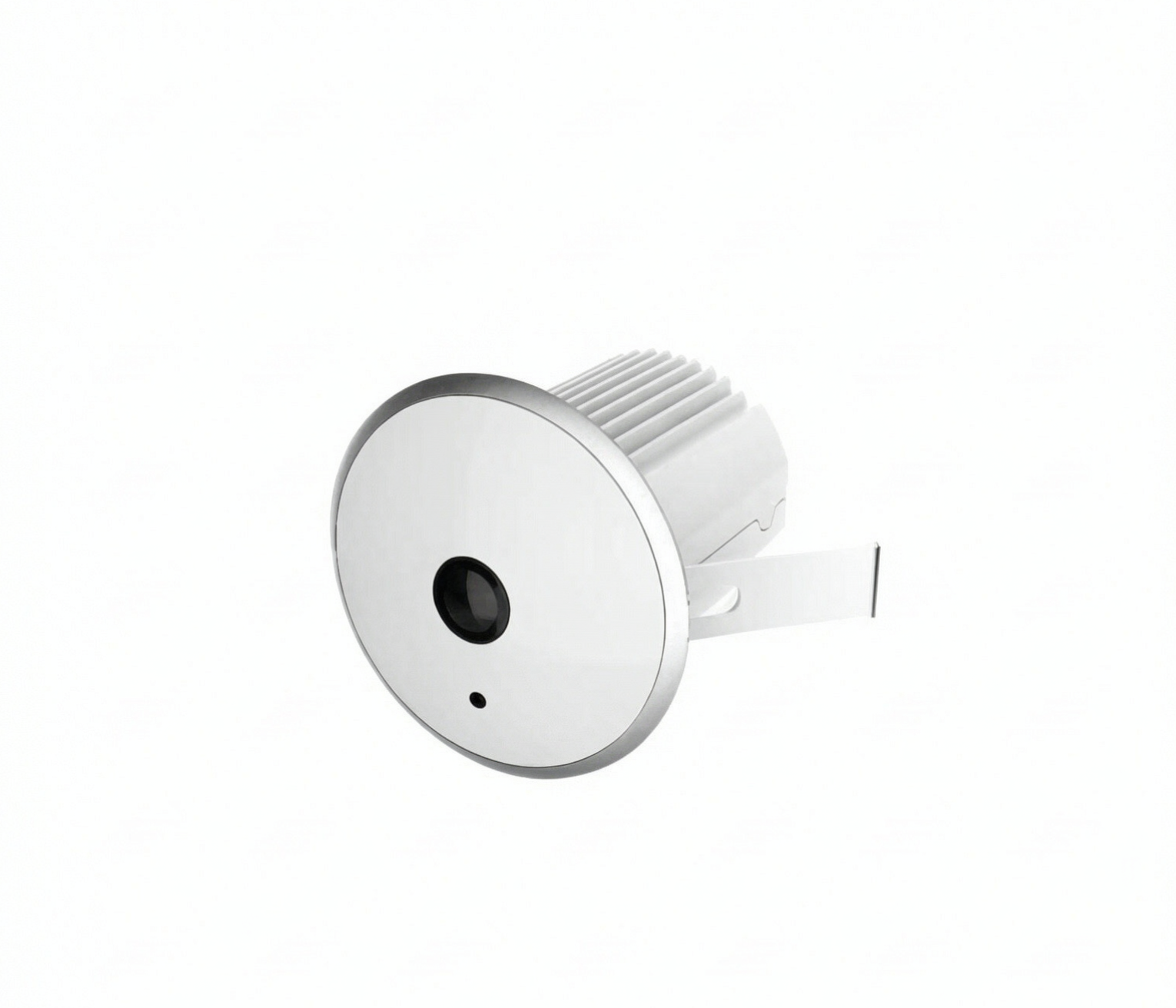
A store manager in Jakarta opens the shop at 10:00 and closes at 22:00, and can tell you roughly how busy Saturday was. Ask for a number — how many people walked in, how many bought something, whether Tuesday afternoon is quieter than Thursday — and the answer becomes a guess. That gap is what people counting systems exist to close.
This guide covers what a people counting system is, how the main sensor technologies differ, and what you can and cannot conclude from the output.
What a people counting system actually is
People counting is the automated measurement of how many people pass through a defined space — an entrance, a corridor, a checkout queue, a zone inside a store — and in which direction. A complete system normally has three layers:
- Sensing. One or more devices mounted at entrances, above aisles, or over specific zones. Depending on the technology, these may be cameras, infrared beams, thermal sensors, or network receivers.
- Processing. The raw signal is converted into counts and anonymous tracks. This happens either on the device itself (edge processing) or on a local server or cloud platform.
- Reporting. A dashboard, exported spreadsheet, or API where a human reads total traffic, conversion rate, peak hours, and zone activity.
The part that surprises first-time buyers is what the system produces. In most retail deployments the useful output is not footage but a stream of numeric events: three people entered at 14:07, zone B held an average of six people for four minutes, the queue peaked at nine people at 18:32. Video may be recorded separately for security, but the analytics layer works on counts and coordinates rather than on identifying people — which matters both for privacy and for how much storage and bandwidth the analytics consumes.
People counting versus counting by hand
Manual counting is not stupid. For a single-door shop with light traffic, a staff member with a clicker and a clipboard can produce usable numbers for a week. The problem is what happens after that week.
| Manual counting | Automated system | |
|---|---|---|
| Doors covered | One, while someone is watching | All entrances, continuously |
| Hours covered | Only staffed hours | Opening to closing, every day |
| Cost pattern | Recurring labor hours | Hardware and installation, then low running cost |
| Consistency | Varies by person and shift | Same counting rule every hour |
| Reporting | Clipboard, then a spreadsheet | Dashboard, CSV export, or API |
| Unique strength | Captures context ("most came in pairs") | Captures volume and patterns at scale |
Run a manual count for a few days as a calibration exercise, then compare it against what the sensor reports. That comparison tells you whether the installation is right far more honestly than a datasheet does — keep the manual counts as your acceptance test, not your ongoing process.
The four technology families you will encounter
2D AI cameras
The most common option today. A conventional-looking camera is combined with a computer-vision model that detects people in the frame and tracks them across frames, typically counting each person once when they cross a virtual line drawn at the entrance.
Strengths: covers a wide doorway with one device, can run on the same cabling and network as existing CCTV, and produces zone-level data (where people walked, not just how many).
Limits: because the model infers depth from a single image, accuracy degrades in dense crowds, heavy occlusion, and difficult lighting. Someone carrying a large box, or a child beside a parent, can confuse a 2D model in ways a depth sensor would not.
3D stereo (binocular) cameras
Two lenses at a known fixed separation capture the same scene from slightly different angles, and the system calculates distance from the disparity between the images — a depth map rather than a flat picture.
Strengths: depth makes counting far more stable in dense traffic, because two people standing close together occupy different depth positions. Tracking a path through a crowd is more reliable too, and the extra dimension reduces ambiguity in head-shoulder detection.
Limits: more compute, more calibration care, and a higher unit cost than 2D. Depth sensing also has a working range; beyond it, performance reverts toward a 2D system.
Infrared beam and thermal sensors
The simplest counting devices are infrared beam pairs mounted across a doorway. The beam breaks when a person passes, and direction is inferred from which beam broke first — low cost, no image at all.
The limitation is physical: a beam cannot separate two people passing side by side, and queues or people lingering in the doorway cause miscounts. Thermal sensors, which detect body heat rather than visible light, handle darkness and shadows better, but still struggle with dense simultaneous entry through a wide opening.
For narrow single-file entrances, beam counters remain a reasonable, inexpensive choice. For a wide mall storefront, they will undercount.
WiFi and other device-based counting
Instead of watching the door, this approach listens to the wireless network. A WiFi probe logs the presence of phones whose radios are broadcasting, and estimates footfall and dwell from the appearance and disappearance of those signals. Similar logic can be applied to Bluetooth beacons or to a sign-in guest network.
The advantage is reach: WiFi can estimate traffic and repeat-visit patterns where no camera can see, and needs no optical installation.
The caveats are significant. Not everyone carries a phone with WiFi on, one person may carry two devices, and modern privacy features — MAC and signal randomization — have systematically weakened this method. Treat WiFi as a secondary signal for trends, not your source of truth for how many people entered.
Five questions a retailer can answer with the numbers
The technology only matters insofar as it answers questions someone is actually asking. In retail, the useful questions are usually these five.
1. How many people came in? Total entries per day, per hour, per entrance. This is the denominator for almost everything else, and it is the number most chains cannot produce today.
2. What share of them bought something? Conversion rate is transactions divided by entries. With that number you can see whether a bad week was a traffic problem (fewer people) or a conversion problem (the same people, buying less) — two different diagnoses with two different fixes.
3. Where do they go once inside? Zone-level counts and dwell time show which displays get attention and which aisles get walked past. This is where camera-based systems, which see inside the store, outperform door-only counters that stop at the threshold.
4. When are the peaks? An hourly traffic curve exposes the mismatch between when a store is staffed and when it is busy. Most retailers find at least one shift that is overstaffed on paper.
5. How many people should be on the floor right now? Staffing is the largest controllable cost in most retail operations. Traffic per hour, joined to sales per hour, gives you a defensible basis for scheduling instead of rotating people by habit.
What people counting will not tell you
Being clear about the limits saves a lot of disappointment.
- It does not tell you why. A low conversion rate is a symptom. The cause could be pricing, staffing, merchandising, stockouts, or a competitor opening next door. Counting narrows the question; it does not answer it.
- It is not exact. Every sensing technology has an error rate, and error rates are not constant — they are worse in crowds and in poor conditions. Use the data for trends and comparisons across stores and time, not as a legal-grade figure.
- It is not a customer identity system. Counting anonymous people is not the same as tracking individuals. Anything that identifies a person moves you into a different legal category in most Southeast Asian jurisdictions and in Europe.
- It does not replace your POS or loyalty data. The value comes from joining datasets: traffic tells you how many people had the opportunity to buy, the POS tells you how many did.
How a deployment usually goes
A sane rollout is smaller than most buyers expect.
- Pick one entrance with representative traffic — not the quietest door.
- Mount and calibrate. Ceiling height, entrance width, lighting changes through the day, glass doors, and cross-traffic from a corridor all affect setup. Ask the vendor what installation conditions they assume.
- Verify against a manual count. Count by hand for a session, compare, and repeat at a busy hour.
- Watch for two weeks. Look for dropped connections, time drift, and whether the numbers stay plausible on your busiest day.
- Then extend. Chain rollout, additional zones, and POS integration come after the pilot proves itself.
If a vendor will not agree to a verification step, treat the accuracy claim as unverified until your own test says otherwise. That is true of every brand in this market, including HooViz.
FAQ
Is people counting the same as footfall counting? In retail usage, essentially yes. "Footfall" is the term most common in the UK, Australia, and much of Southeast Asia's retail sector; "people counting" and "store traffic counting" describe the same measurement. Footfall analytics usually implies the broader reporting layer — conversion, dwell, and trends — rather than the raw count alone.
Do people counting cameras record faces? Cameras capture images to run detection, but a properly configured counting system does not store identifiable faces or build a searchable database of individuals — it stores counts, timestamps, and anonymous tracks. What matters is the retention policy and the configuration your integrator actually deploys; ask for both in writing.
How accurate are AI people counting cameras? Vendors commonly quote figures in a high-accuracy range, but the honest answer is that accuracy depends on installation height, angle, lighting, crowd density, and how the model handles difficult cases such as children, groups, and people carrying large items. Any number quoted without a site test should be treated as a starting hypothesis, not a specification.
Is a people counting system worth it for a single store? It depends on two things: how much you pay per month in labor, and whether you can act on the data. A single store with stable staffing and no expansion plans gets less value than a small chain that needs to compare locations on the same basis. The measurement cost of being wrong about staffing and promotion timing is usually what justifies the hardware.
Does it work without an internet connection? Yes, in most camera-based designs. Edge processing means the device counts locally and stores results, then syncs when connectivity returns. This matters for stores in areas with unreliable broadband or mobile coverage — check that local buffering is supported before assuming it is.
---
If you are weighing this against other approaches, the solutions overview shows how counting fits retail, mall, and public-building deployments, and the product center lists the camera families HooViz builds for the purpose. For method-by-method comparisons, see our blog. To talk through a specific floor plan or entrance, contact our team.